A USB audio interface
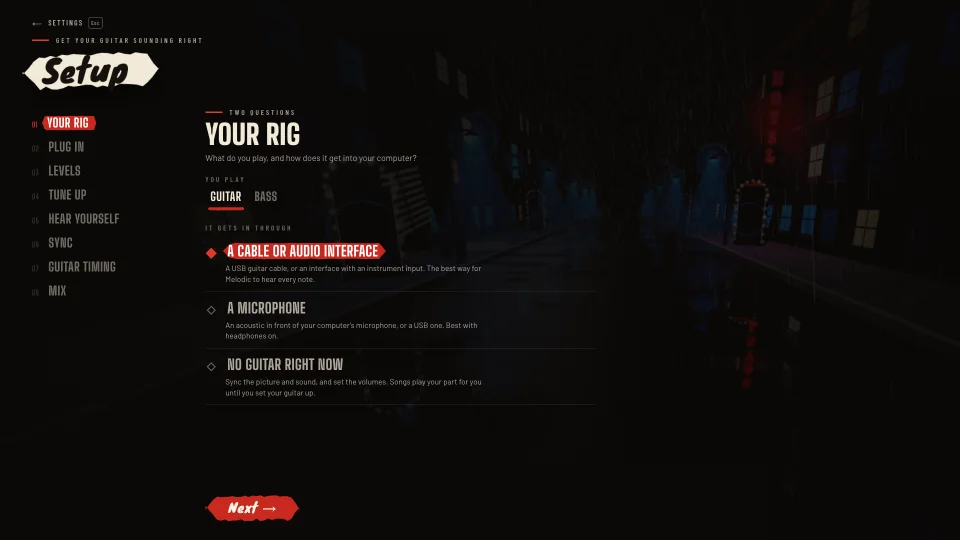
The cleanest sound and the tightest timing. Plug your guitar into the interface and the interface into your computer.
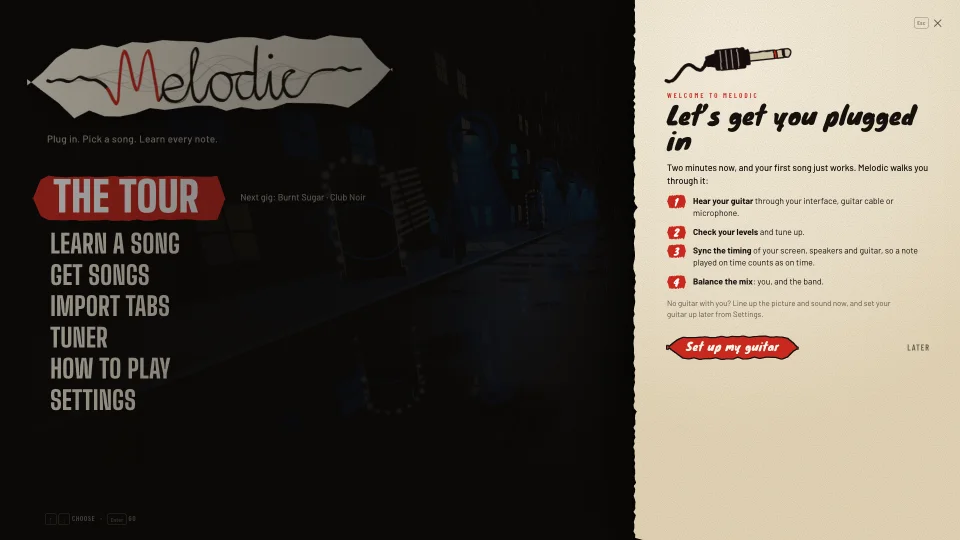
The first time you open Melodic, it offers to set up your guitar with you. Eight short steps, and every note you play is heard at the right level and judged at the right moment.
What you need
Any electric guitar, acoustic guitar or bass works. It just needs a way into your computer, tablet or phone.
The cleanest sound and the tightest timing. Plug your guitar into the interface and the interface into your computer.
A guitar cable with a little audio interface built into the USB end. Cheap, simple and plenty good for learning.
The one in your laptop or phone is enough, for an acoustic guitar or an amp in the room. Wear headphones so it hears your guitar, not the band.
No guitar with you yet? Say so in the setup: you can line up the picture and sound now, follow the songs along, and set the guitar up later.
The first time
Open Melodic for the first time and a welcome card offers the setup. It takes about two minutes, and your first song just works. You can skip it and come back any time: it lives in Settings, under Setup.
Later, you can run the whole thing again or just part of it: your levels (after changing your guitar or interface), your timing (after changing speakers or headphones) or your mix.
The eight steps
Guitar or bass, and how it gets in: a cable or audio interface, a microphone, or no guitar yet. Bass players get bass parts picked first and a bass amp in the menus.
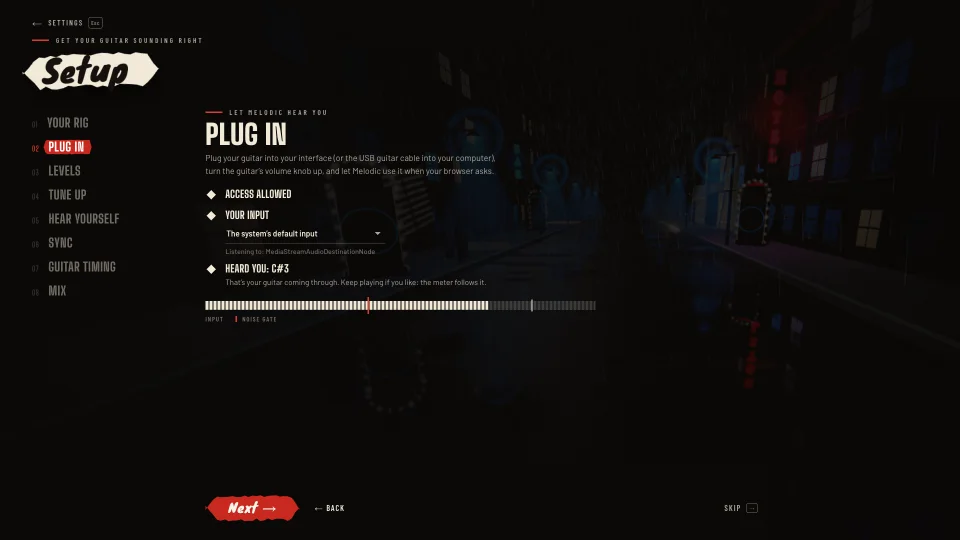
Melodic asks for your input, lets you pick it and waits for you to play a string. If nothing comes through, it tells you what to check. Once it hears your guitar, note detection is on.
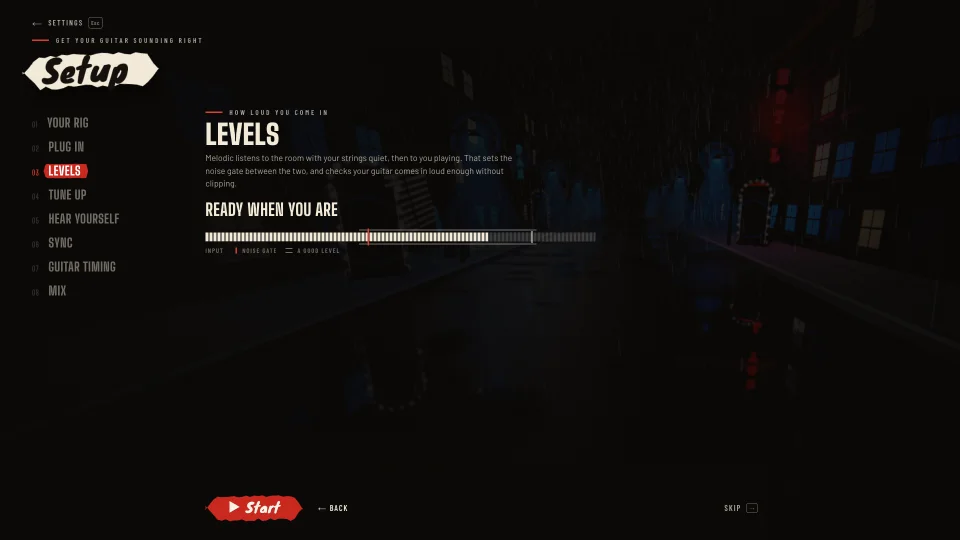
First it listens to the room with your strings quiet, then to you playing. It sets the noise gate between the two, well above the hum and well below your softest note, and tells you if your input is too quiet, noisy or clipping.
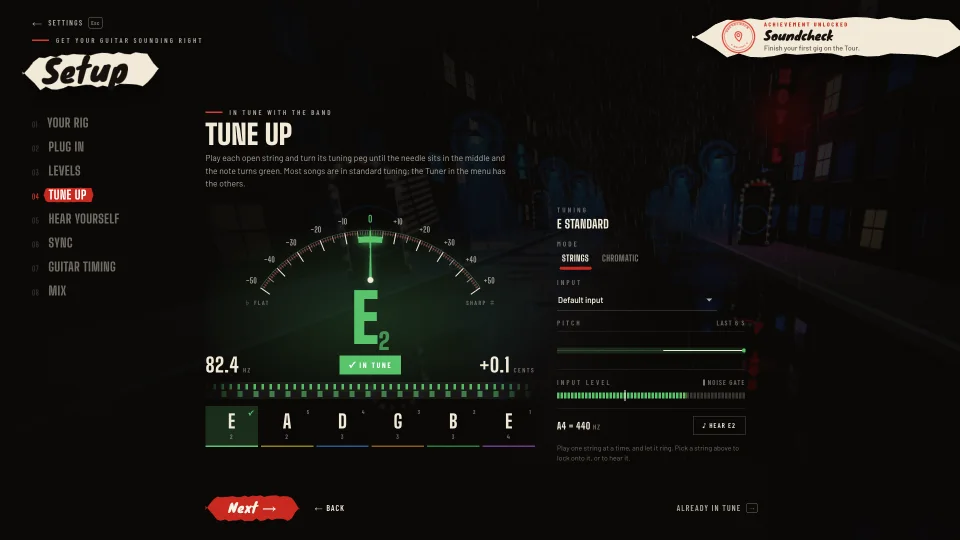
String by string, with the built-in tuner: a needle, a strobe and a tick on every string that’s in tune.
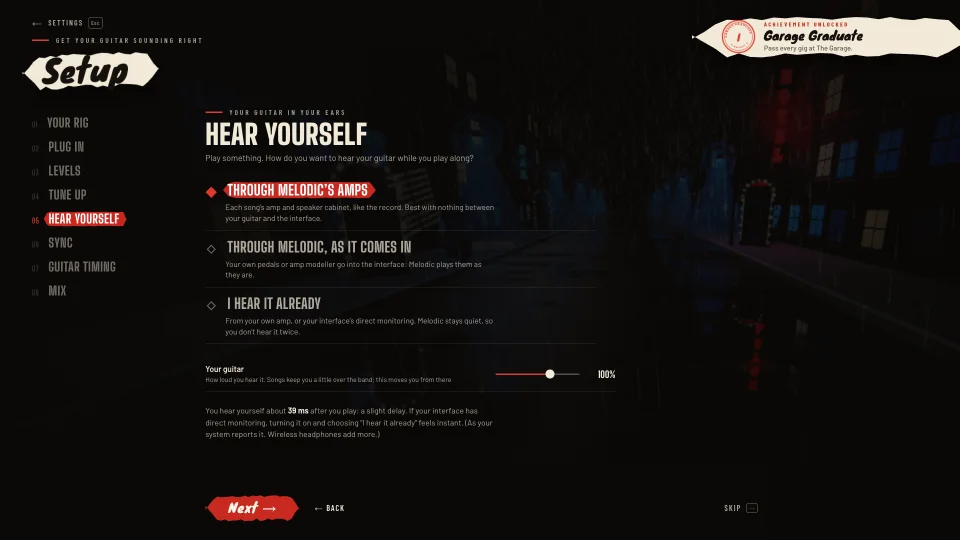
Choose how you hear your guitar: through the song’s own amps, through Melodic just as it comes in (for your own pedals), or not at all, if your amp or interface already lets you hear it. Melodic shows the delay your computer reports. A microphone is only played back when you’re on headphones.
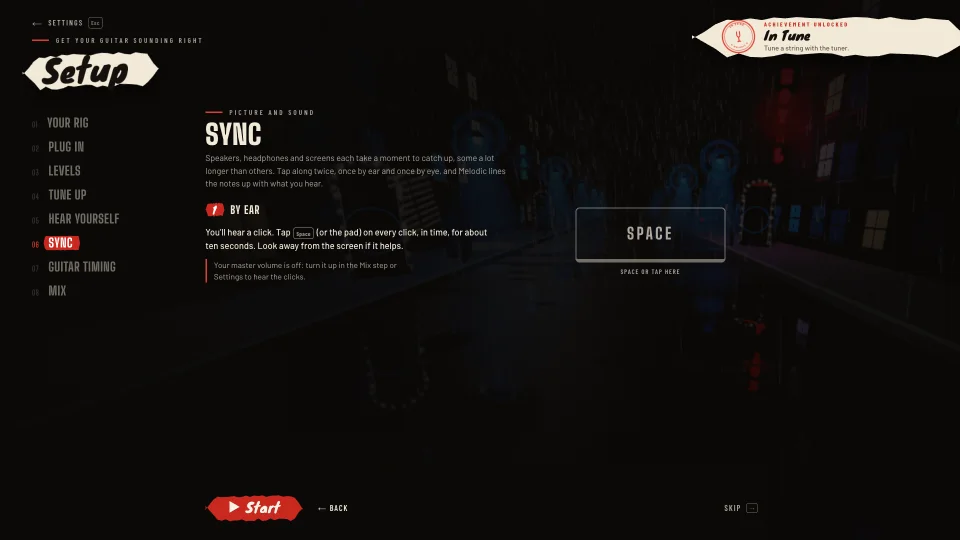
Tap along to clicks you hear, then to notes you see on the real highway. The difference between the two is your speakers’ and screen’s delay, and the way you tap cancels out. Bluetooth-sized delays get a warning.
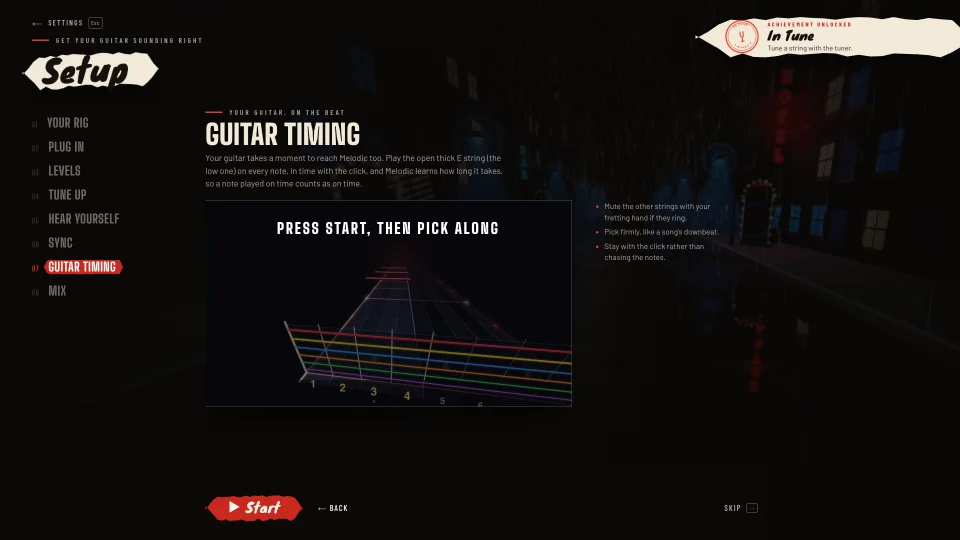
Pick the open low string along with the click and the highway. How late your picks reach Melodic sets your input delay, so a note you play on time is judged on time.
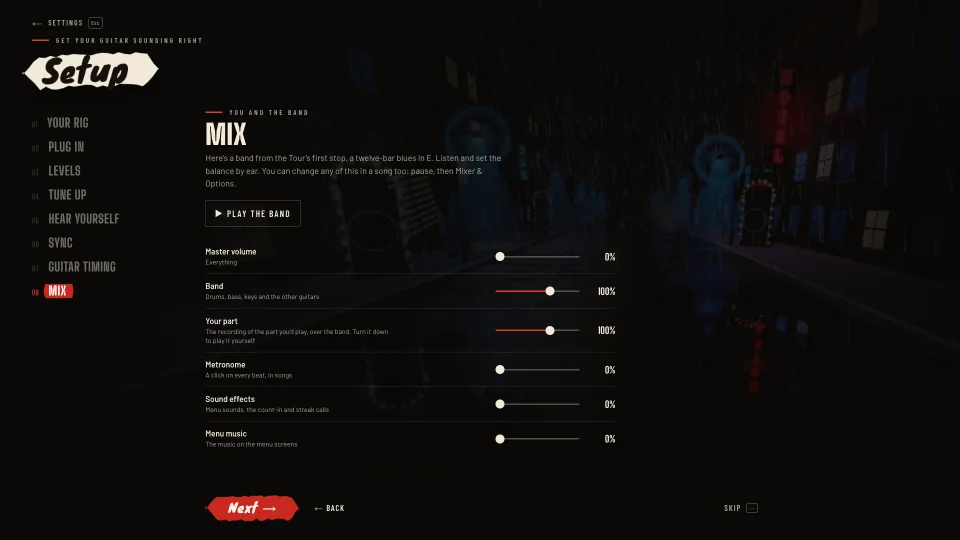
A band from the Tour plays on a loop, with your guitar in it, while you set the master, the band, your guitar, the metronome, the effects and the menu music by ear.
Phones and tablets
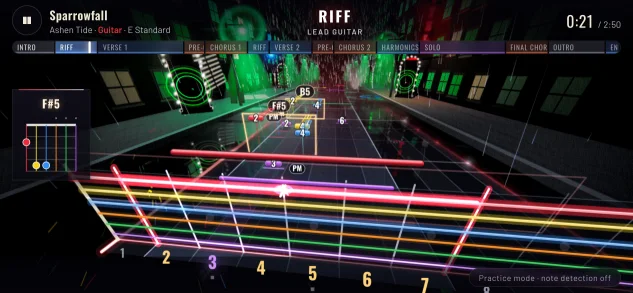
Melodic plays on phones and tablets, in the browser, with layouts made for them. Most phones can’t take a guitar cable, so the setup starts with the microphone, and tuning, levels and sync all work by touch: in the timing check you tap a pad on the screen instead of a key.
Wear headphones: that way the microphone hears your guitar, not the band coming out of the phone’s speaker. Turn the phone sideways for songs.
If something’s not right
Check that the right input is picked in the Plug in step and that the browser was allowed to use it. Turn your guitar’s volume up, and on an interface, turn its input gain up until the level meter moves when you play.
Too quiet: turn the guitar or the interface’s gain up. Clipping: turn it down a little. Noisy: move away from lights and chargers, or use a shorter cable. Then run the levels step again.
Run the Sync and Guitar timing steps again, from Settings, under Setup. If you use Bluetooth headphones or speakers, wired ones are much faster: Bluetooth adds a delay you can hear.
You’re hearing it through Melodic and through your amp or interface. In the Hear yourself step, pick one: through Melodic, or “I hear it already”.
Wear headphones, so the microphone only hears your guitar.
Open Melodic and the setup will be waiting.
Play free More questions