- Melodic
- Learn songs
Learn your favorite songs on guitar
Bring the tab of any song you love. Melodic turns it into a guitar part and a bass part at every level, then gives you the tools to learn it properly: slow it down, loop the hard bars, speed back up as you nail them.
Your library
Every song in one place
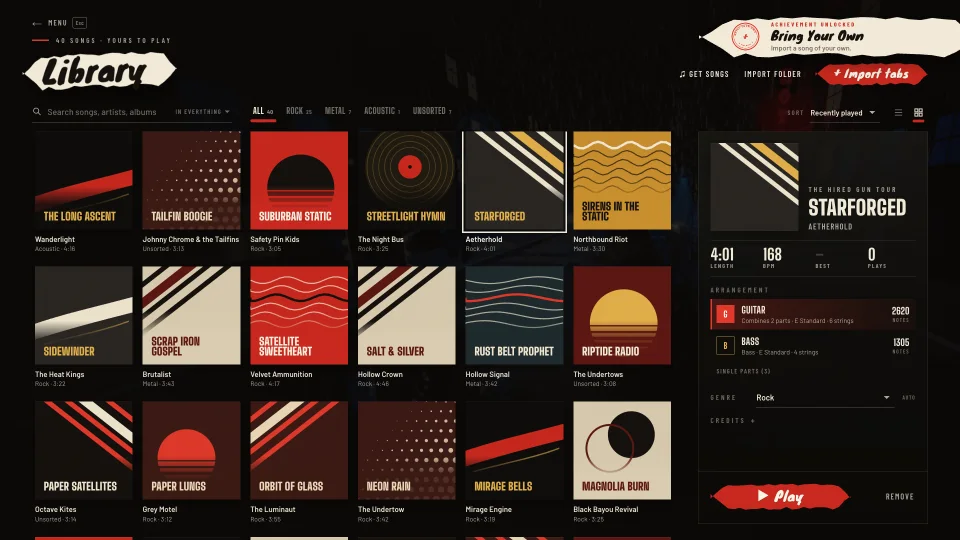
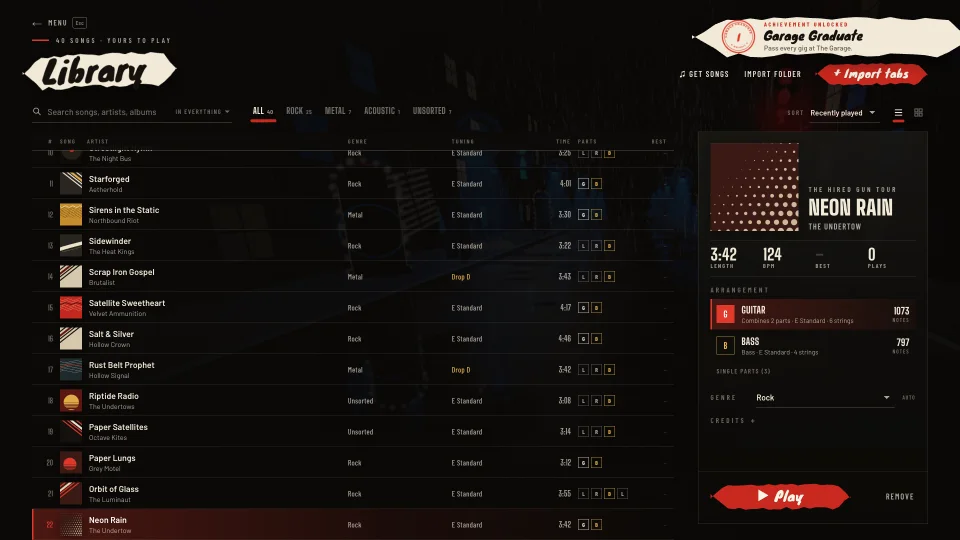
Your library holds the songs you’ve imported, the Tour songs you’ve played and Melodic’s free originals. Every song gets its own cover, drawn like a gig poster: the colours come from the song and the design from the artist, so one band’s songs look like one band’s records.
- Search everything, or just songs, artists, albums or genres. Accents don’t matter.
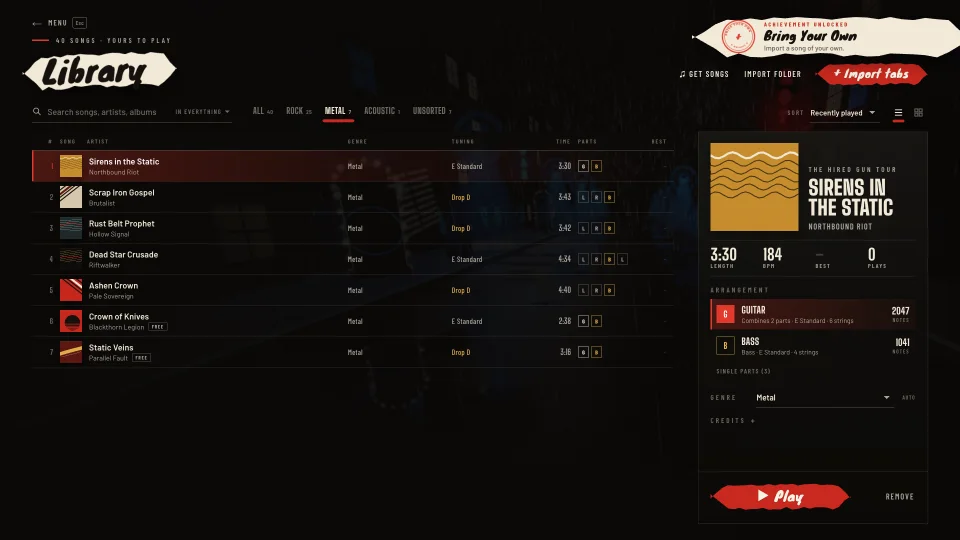
- Genres as one-tap filters. Tab files don’t say their genre, so Melodic guesses it from the guitar sounds, tuning and tempo, and you can change it.
- Sort by recently played, recently added, title, artist or genre, as a list or as a wall of covers.
- Song pages with the length, tempo, tuning, your best score, the parts, and the file’s credits. Tap an artist to see all their songs.
Import
Import tabs in seconds
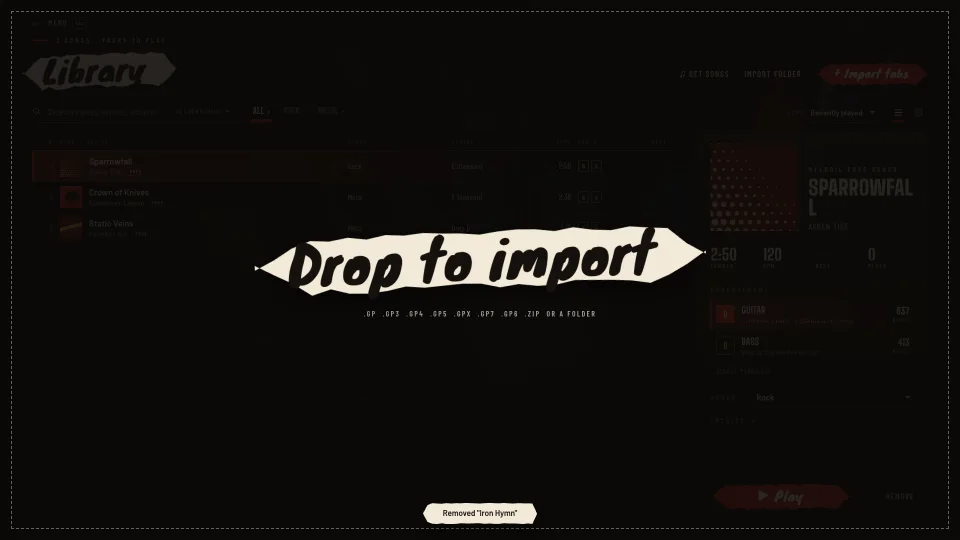
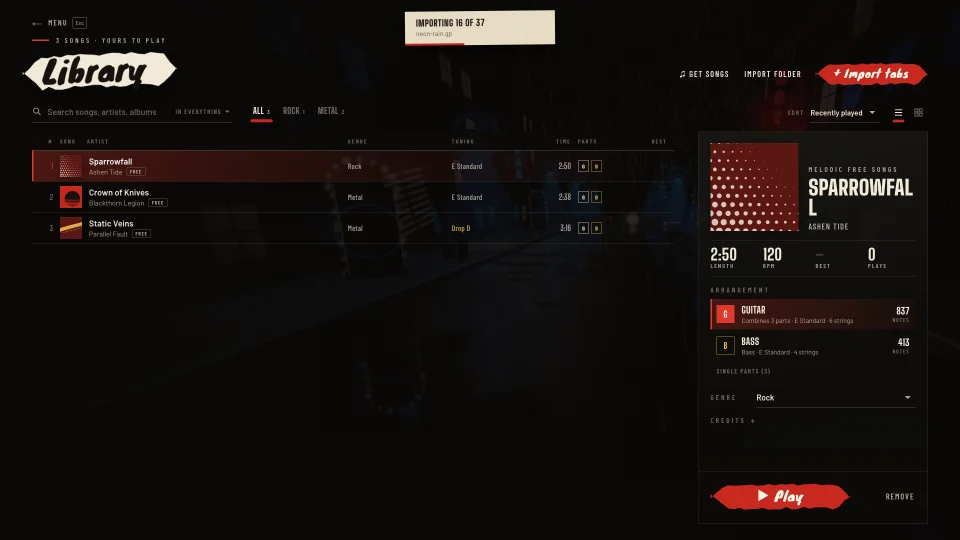
Drag tab files onto your library, or use Import tabs. Drop one song, a whole folder or a .zip of hundreds: Melodic reads them all, skips the ones you already have and tells you what was added.
- File types: .gp, .gp3, .gp4, .gp5, .gpx, .gp6, .gp7 and MusicXML (.xml, .musicxml, .mxl), plus folders and .zip archives.
- Duplicates spotted by their contents, not their names.
- Private. Your songs are stored on your device, not uploaded anywhere.
- Open with Melodic. Install it as an app and open tab files straight from your computer.
Use tabs you’ve bought, downloaded or written yourself. Melodic doesn’t host or share anyone’s tabs.
Parts
A guitar part and a bass part
Tabs often have several guitars. Melodic combines them into one guitar part the way a person would chart it: it follows one guitar at a time and switches only where that fills a gap or has the part worth playing, like the riff or the clean interlude. Switches happen at the start of a section or a four-bar phrase, never mid-run, and the screen warns you two seconds before one.
- Guitar and Bass for every song, plus each single part, labelled lead or rhythm.
- Tunings recognised by name: E Standard, Drop D and the rest, with the tuner ready for it.
- Sung melodies written on a tab staff are left out of your part.
Difficulty
Every song at every level
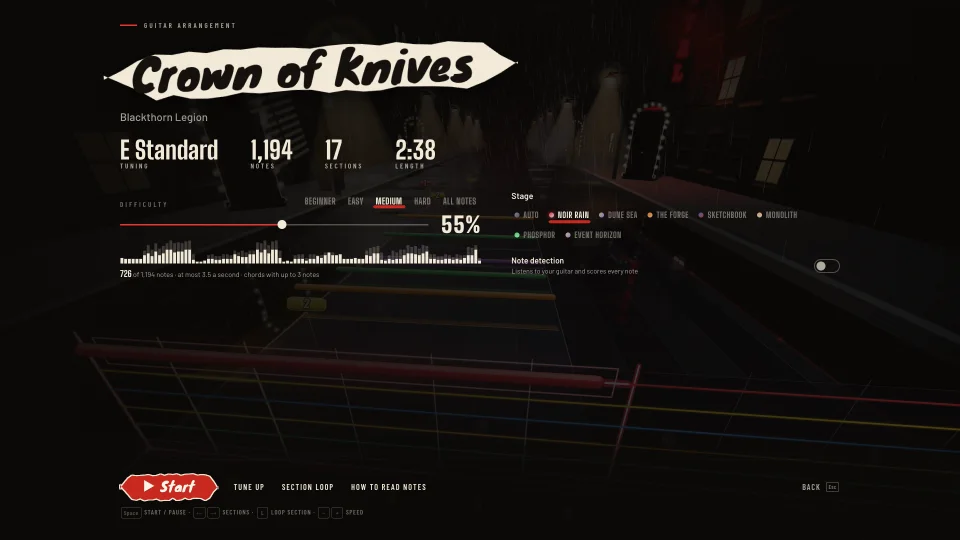
Pick Beginner, Easy, Medium, Hard or All notes, or any level from 5% to 100% of the notes. Melodic works each level out from the music itself, so it works for any song you import.
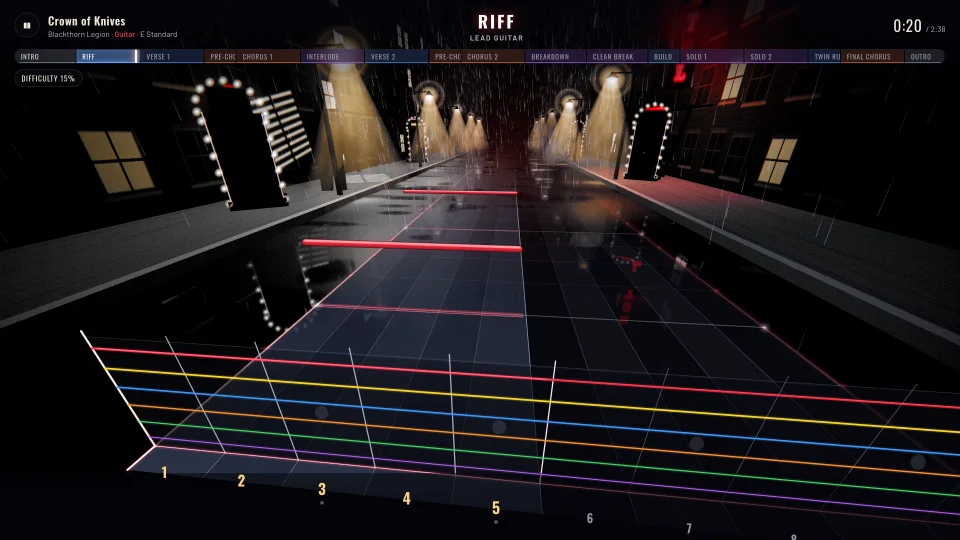
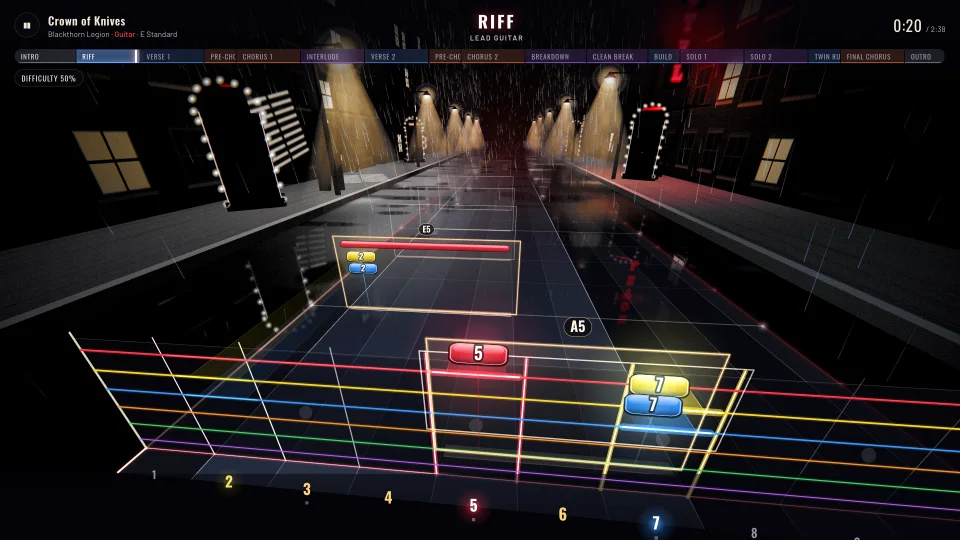
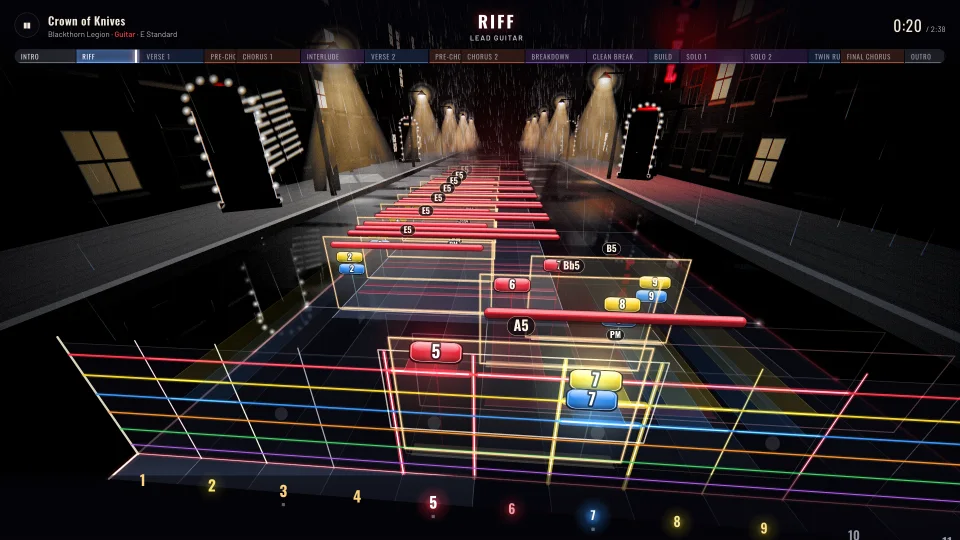
Beginner, 15%: the backbone of the riff, a few notes at a time.
How the levels are built
- The skeleton first. The first note of each section, then the downbeats, the middle of the bar, the beats and the off-beats. Long notes, accents, chord changes and the notes that make a riff recognisable come in early.
- Only more, never different. Each note has the lowest level it’s played at, so raising the level only adds notes.
- Even, not choppy. Busy passages thin out evenly, and low levels keep notes apart: about 1.2 seconds at 15%, 0.4 seconds at 50%. A riff that repeats is simplified the same way every time.
- Chords a note at a time: the root first, then two-note power shapes, then three notes, then the full chord. Below 35%, bends, slides and taps become plain notes.
- See it before you play. The song’s card shows how many notes you’ll play, the busiest it gets and a strip of where the notes are.
- Adaptive difficulty. Turn it on and each section adds notes as you nail it, and eases off when you struggle.
Speed
Slow it down, speed it up
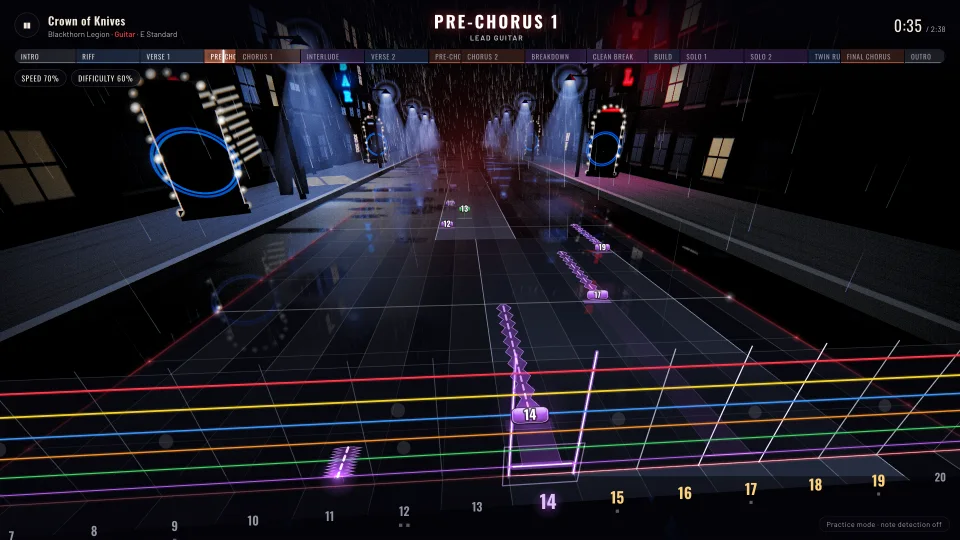
Play any song at any speed from 25% to 150%. Tap − or + while you play to change it by 5%, or give a loop its own speed. The notes keep their pitch at every speed, so a slowed-down song still sounds like the song and your guitar still matches the band.
On the Tour you can practise any gig at 50% to 90% before you play it for real. Slow runs still earn XP; only full-speed runs pass the gig.
Section Loop
Loop the hard part until it’s easy
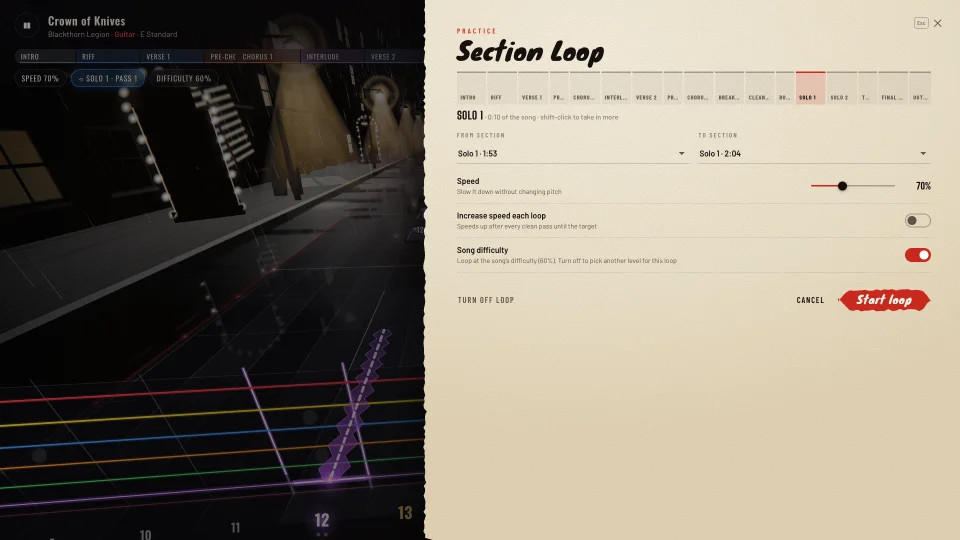
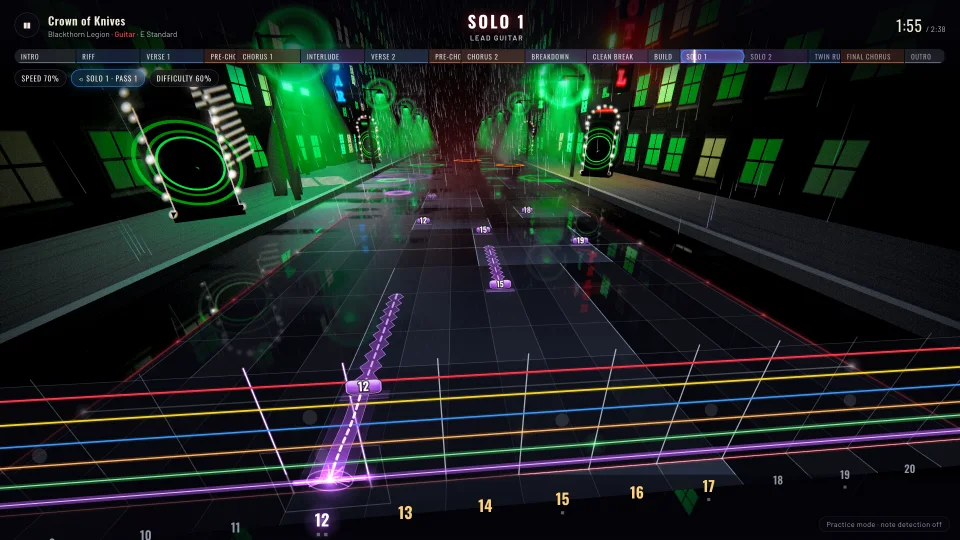
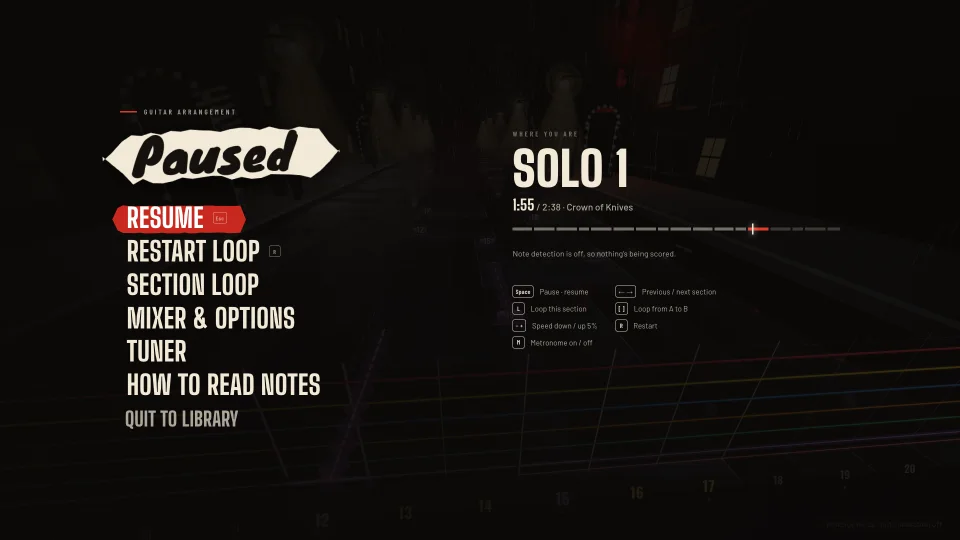
Section Loop plays one part of a song over and over, at the speed you choose, as long as you want. Pick a section, like the solo or the second chorus, or a run of sections, and start the loop.
- Any range: one section, several in a row, or your own A to B loop with [ and ], snapped to the bar lines.
- 25% to 150% speed for the loop, separate from the song’s speed.
- A speed trainer. Turn on “increase speed each loop” and every clean pass brings it a little closer to full speed.
- Its own difficulty. Loop the solo at a lower level than the rest of the song, then bring it up.
- One key: L loops the section you’re playing.
Mixer and options
Hear what you need to
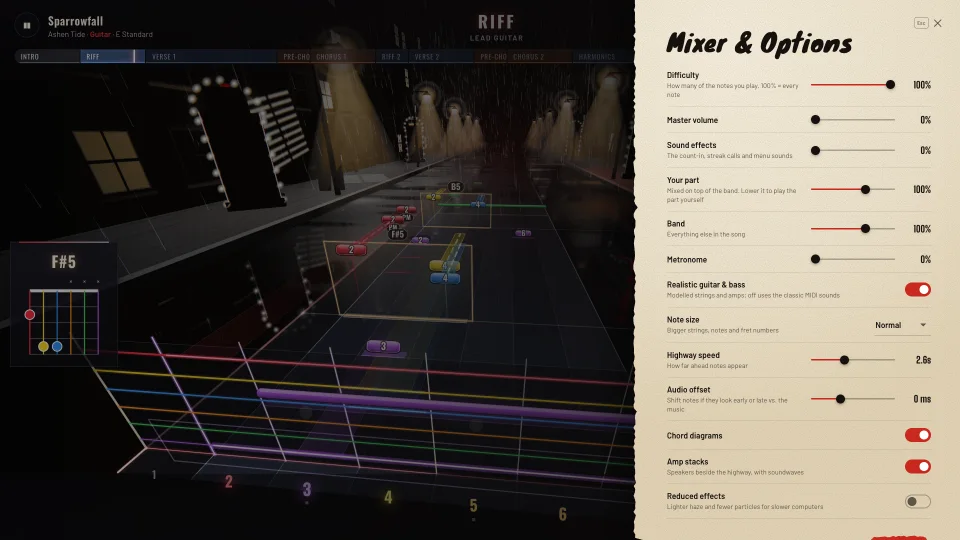
Every guitar and bass in Melodic is physically modelled, with strings, tube amps and speaker cabinets, and the rest of the band plays around you. The mix always keeps your part on top: tabs often leave it buried, so Melodic measures both and keeps your part a little louder than the band.
- Faders for your part, the band, the master, the metronome and the sound effects.
- Metronome on or off with M.
- Note size, the string order and the stage, to suit your screen and your eyes.
Step by step
How to learn a song on guitar
The way teachers have always done it: small pieces, slowly, then faster. Melodic just makes every step one click.
Import the tab
Drop the song’s tab file on your library, or use Import tabs.
Pick your part
Guitar or Bass: Melodic has already built both from the file, in the song’s tuning. Tune up with the built-in tuner.
Start at a comfortable level
Try Beginner or Easy the first time through. You’ll hear the whole song and play its backbone.
Loop the hard part slowly
Open Section Loop, pick the section that trips you up and slow it down until you can play it cleanly.
Let it speed up
Turn on the speed-up after each clean pass and keep looping. It gets you back to full speed a little at a time.
Add notes
Raise the level, or turn on adaptive difficulty and let each section grow as you nail it.
Play it through
Play the whole song, full speed, every note. Then pick the next one.
Bass
Learn songs on bass
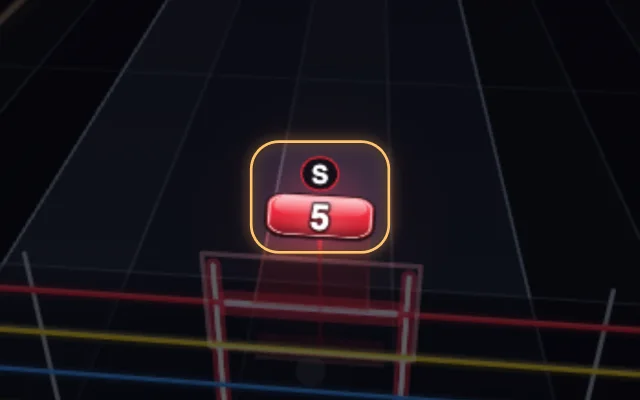
Every song in Melodic has a bass part on a four-string highway. Tell the setup you play bass and Melodic picks bass parts first, gives you a bass amp in the menus and tunes you with bass tunings, including five-string. Slap and pop get markers of their own.
Keyboard
Hands on the guitar
Everything you need mid-song is one key away, so you never have to put the guitar down.
| Key | What it does |
|---|---|
| Space Esc | Start, pause and resume |
| ← → | Previous or next section |
| L | Loop the section you’re in |
| [ then ] | Loop from A to B |
| − + | Speed down or up by 5% |
| R | Restart |
| M | Metronome on or off |
Which song will it be?
Start with a free song, or import the one you’ve always wanted to play.
Play free Tune up first